Join The Toyota Alphard & Vellfire Club
Our community has been built by enthusiasts, for enthusiasts, and proudly run by Alphard owners' for over 7 years. As an independent, non-official club, everything you’ll find here, advice, support, and opinions, comes directly from members with genuine Alphard & Vellfire ownership experience. By being a member you can gain access to active community forums, videos, news, events and more...
Most Viewed Club Topics
-
Hi does anyone know where i can get a wiring diagram for automatic door toyota alphard velfire 2004
-
Hi all, Has anyone removed the dashboard cupholder for the 2002-2005 models? Looking as we have repaired it 8 times now and this time the plastic just broke and is now horrible to repair (which it cant be).
-
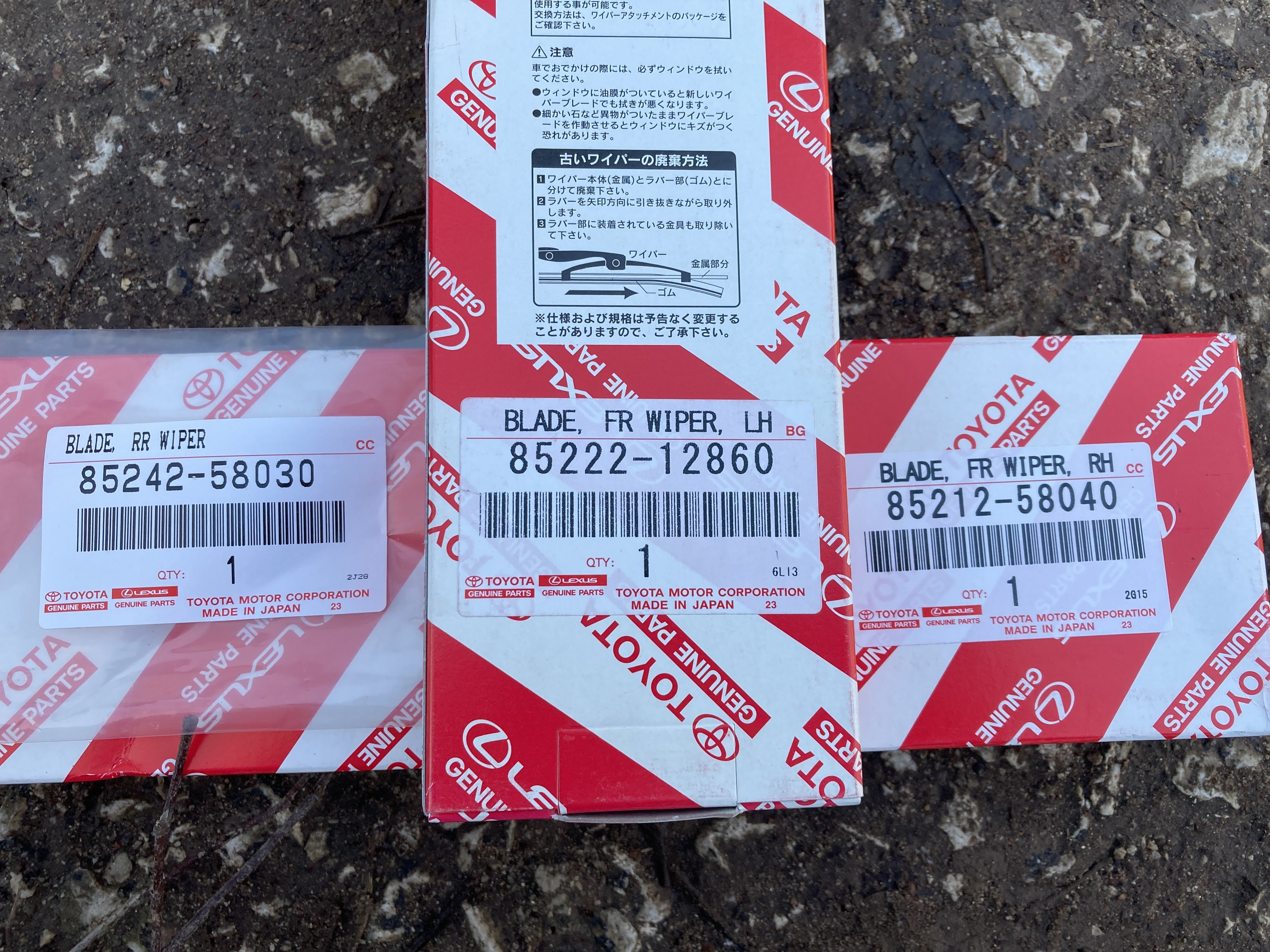
Hi All, on my gosh how hard can it be to get windscreen wipers?! Been online trying to get a set ordered, all the sites state the driver's side is either 26" or 28" (mine measures 30" so I don't want to get a smaller one!) and 14" for the passenger side (mine measures 16"!). Where are people getting their wipers and what size are you all buying?
-
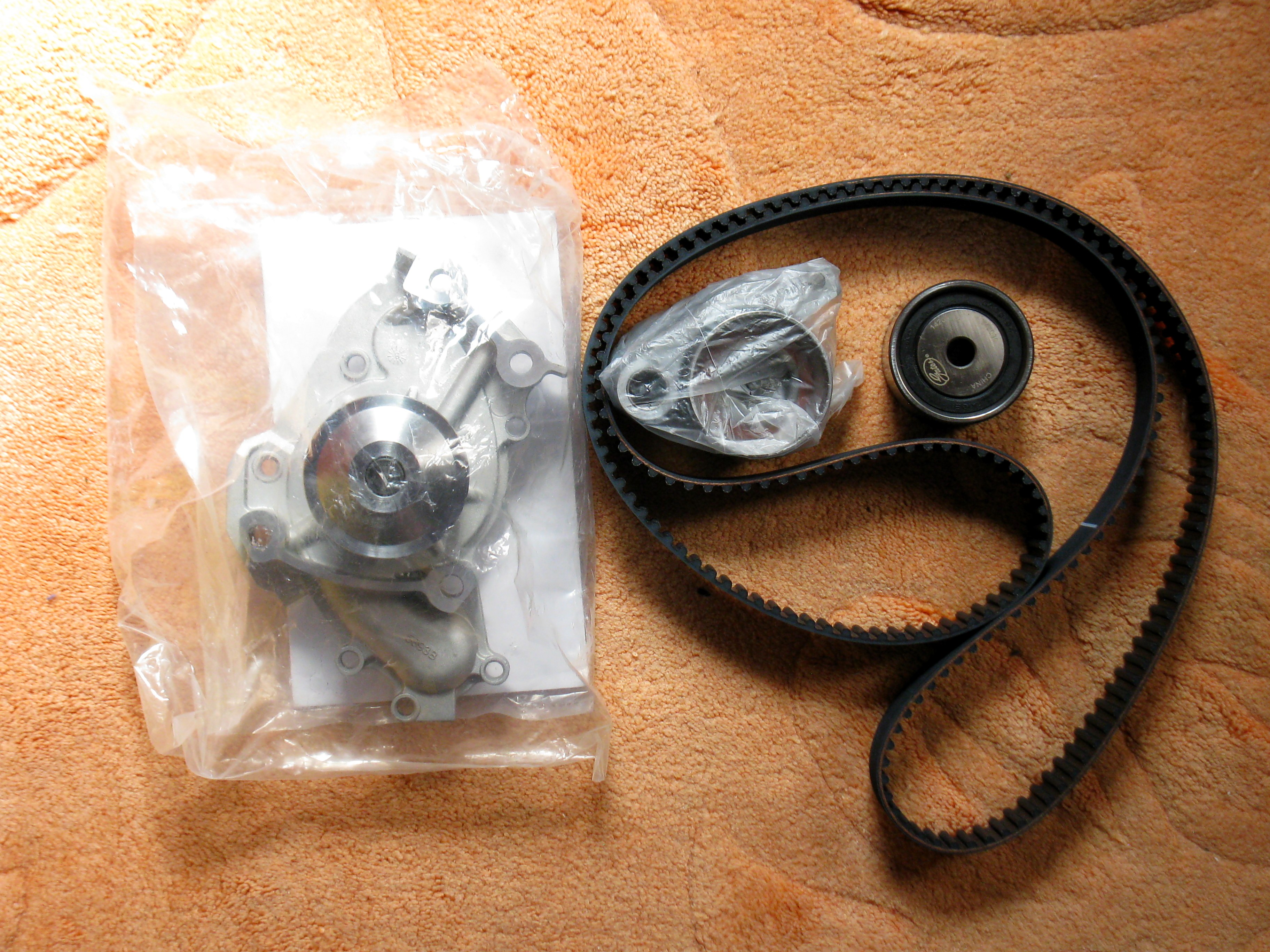
As I have upgraded to a 2nd Series 2014 3.5 Alphard, I have a NEW KIT of PARTS I collected for maintenance on my previous Model - suitable for a 2002- 2005 Alphard 3.0 with 1MZ-FE ENGINE, and the best bit is you can have these carefully sourced parts for HALF THE PRICE I PAID. Parts are as follows -: GATES Timing Belt & Water Pump Kit including Belt, 2 x idler pulleys, Water Pump & Gasket. + Blueprint Tensioner, 2 x Payen NB799 Camshaft seals, TTC Front Crankshaft Seal, Dayco 6PK1040
-
Hi all, The front section of the pop up roof at the top of the windscreen is starting to come away from the roof itself. It's minimal at the moment but I think it may be the cause of a whistling sound that sometimes occurs at speed. So I need either a glue or a black sealant. Also in the second photo the paint is flaking away, so that's another consideration.I've attached a couple of photos to make it clearer. Any advice gratefully received. IMG_7241.HEIC.pdfIMG_7240 7.HEIC.pdf








Latest Alphard / Vellfire posts
-
Hi Sunesh, I am away for a couple of days. I will sort it out at the weekend David
-
Dear French, Can i have below wiring diagram Body Related Power assist door (sliding door/LH) 3-76 Power assist door (sliding door/RH) 3-80 Power assist door (back door) 3-84 Easy closer (sliding door/LH/RH) 3-88 Easy closer (backdoor) 3-90
-
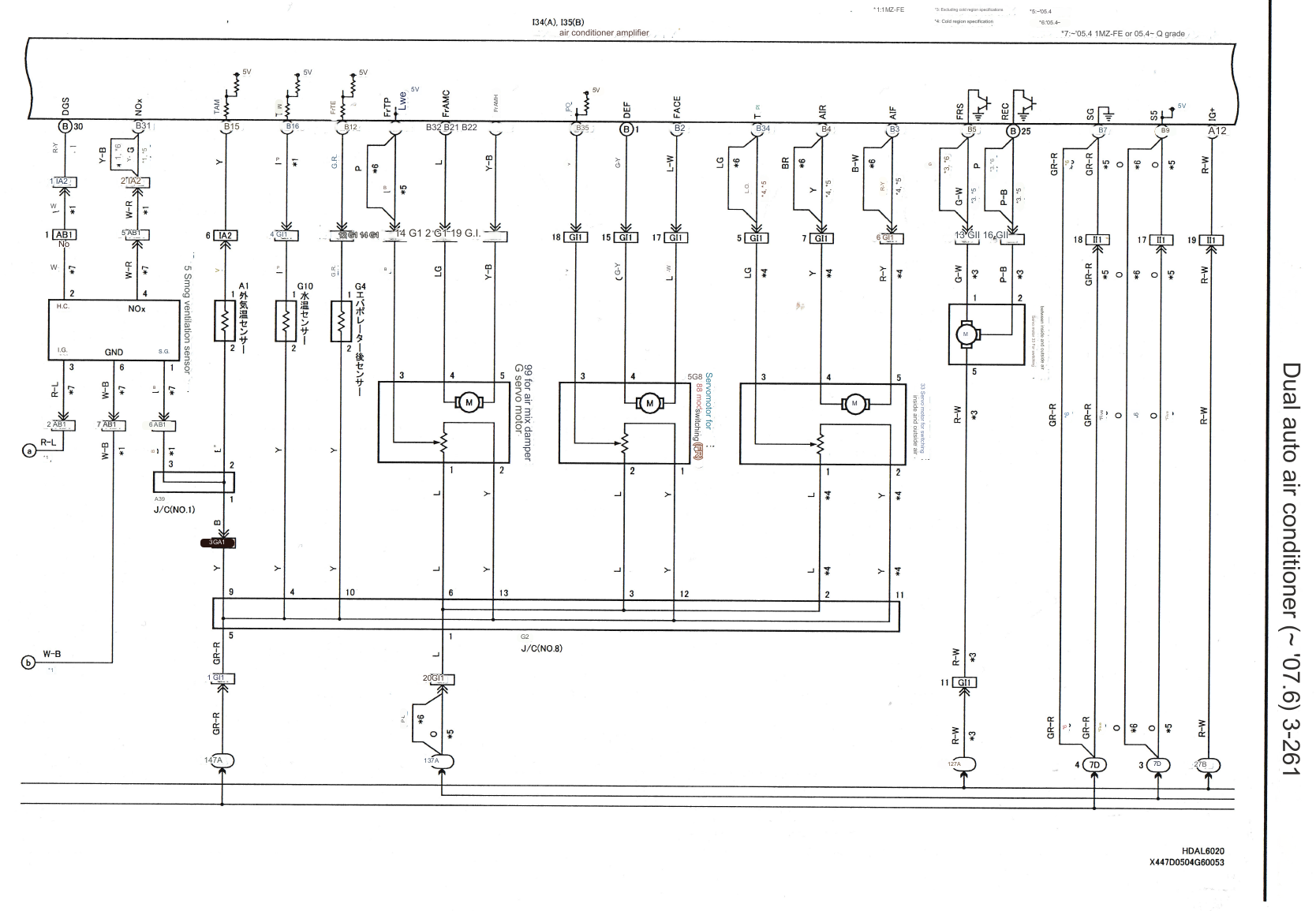
Good morning. Wondering if anyone can help with a wiring diagram for the air conditioning for a 2006 3ltr Alphard. I have the diagrams for the fuses and these have been checked, but need to check the wiring as there is no power going to the compressor. Thanks for your help in this. Cheers Barry
-
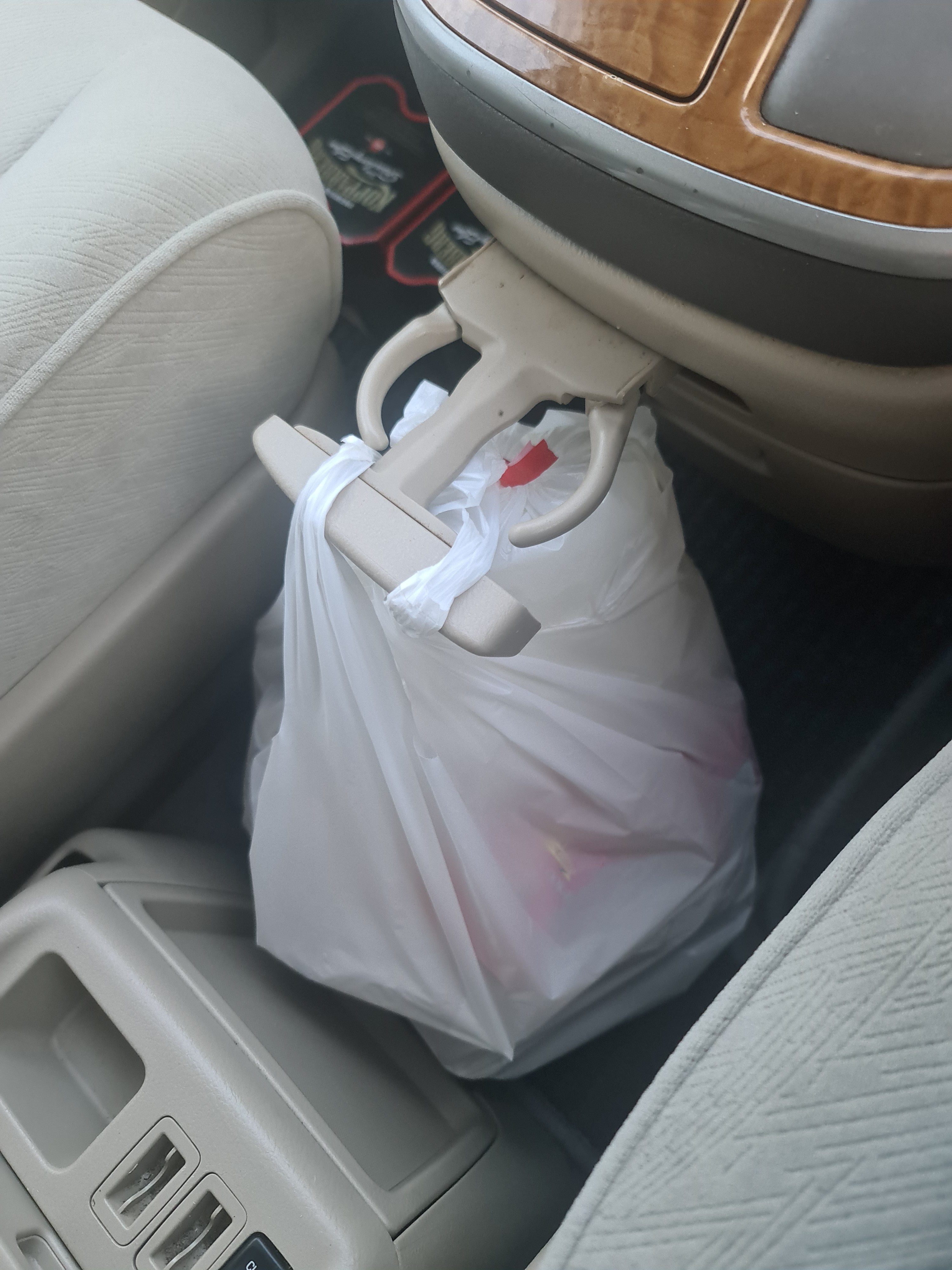
I have replaced mine as it was missing the lower arm so was only useful for holding bags. I can't find any pictures of the replacement though this is the ebay listing. I don't recall it being particularly difficult, I suspect it was a couple of screws or bolts accessed from above by removing the 'wood' trim.
-
Have just purchased the front and rear wipers from Heyner, should be on the car by Friday. Update to follow 👍🏻
-
Hi all, Has anyone removed the dashboard cupholder for the 2002-2005 models? Looking as we have repaired it 8 times now and this time the plastic just broke and is now horrible to repair (which it cant be).




.jpg.7d1630ed0d89847d0527886b0616c34c.jpg)